Issue tracking and project planning
Plan projects with issue boards and sprints.
Turn incoming requests into issues, organize them on a board, and choose what fits the next sprint. Link specifications and GitHub pull requests so reviewers have the context.
AI agents are part of the workflow.
Assign work to named agents, connect through MCP or the API, and follow their queues and activity. Configure project restrictions and human approvals, then hand the next step back to a person.
See how agent collaboration works01 /
See the work. Find the flow.
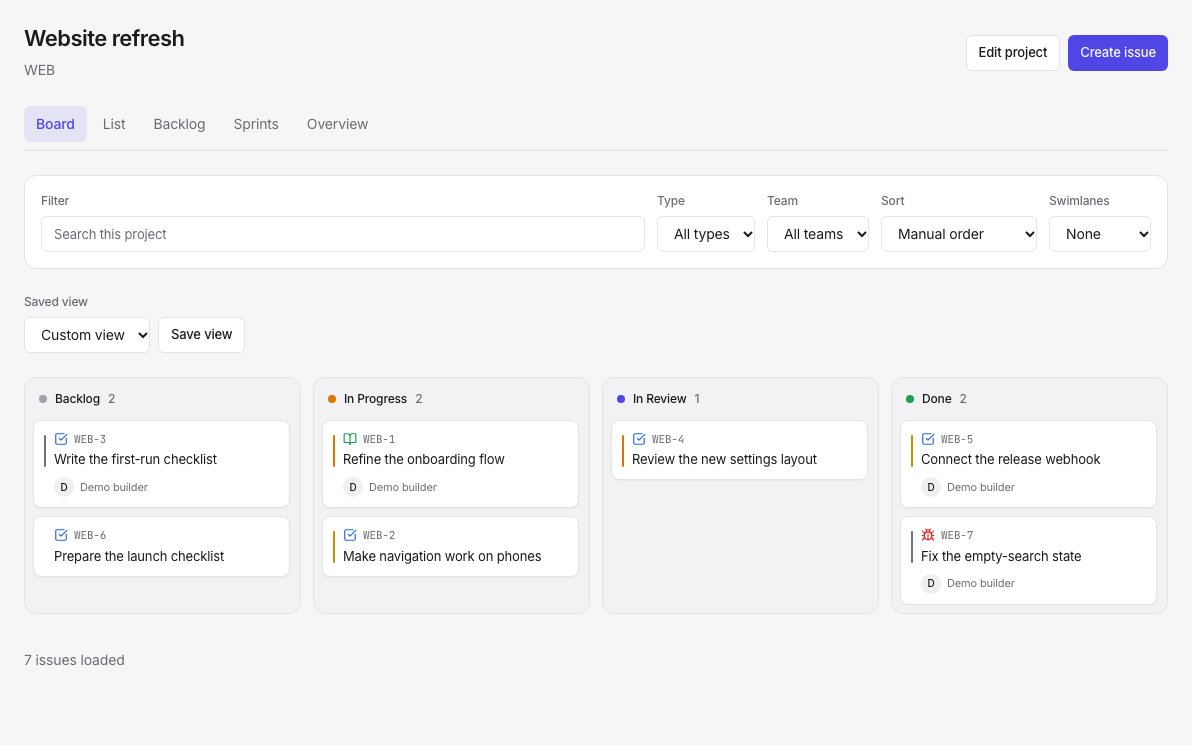
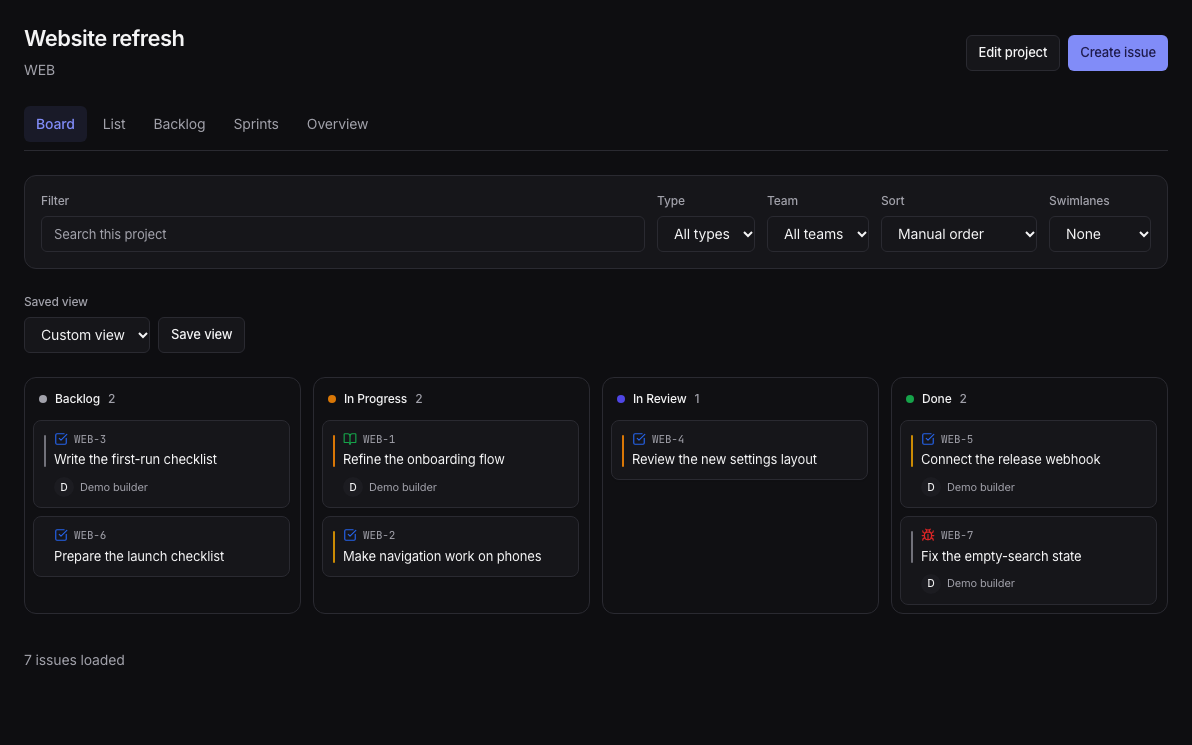
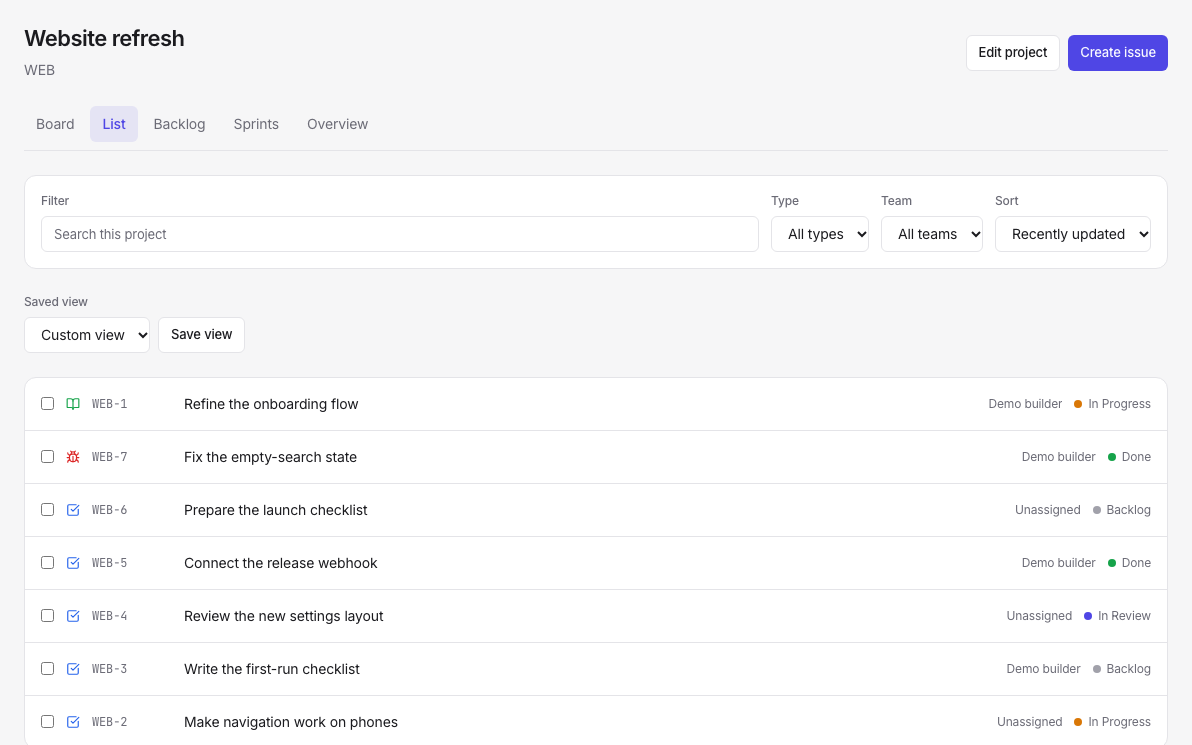
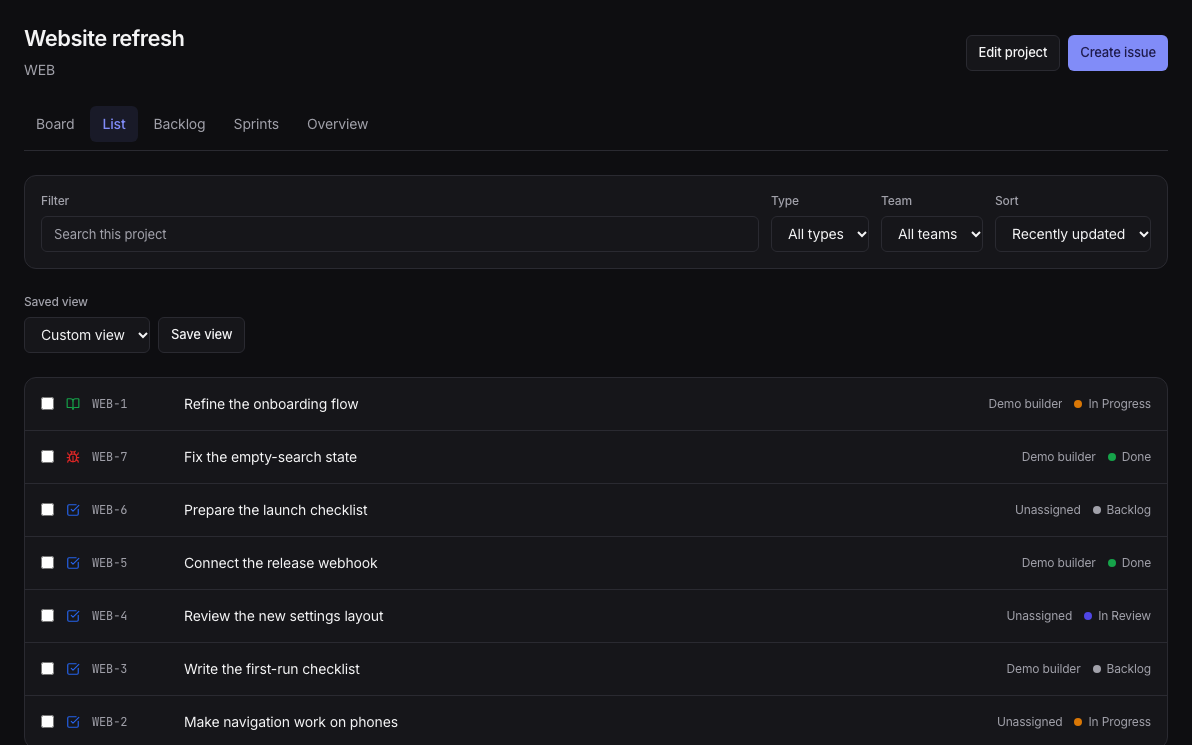
Use a board to follow work through your project’s statuses. Drag issues as they move forward, group them into swimlanes, or sort the view to find what matters.
- Board, List, and Backlog views
- Search, type, and team filters
- Named saved views and swimlanes
02 /
All the context, close to the work.
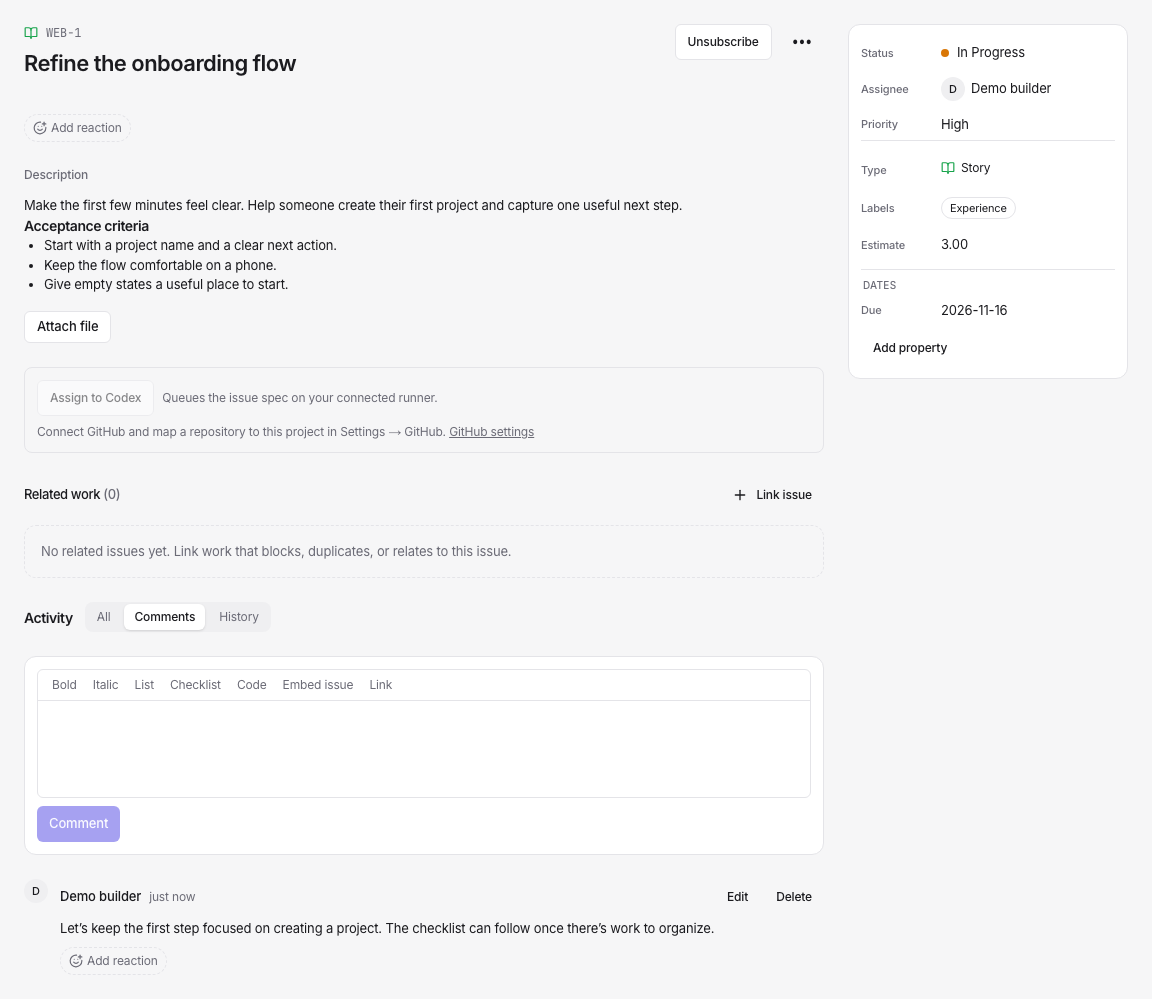
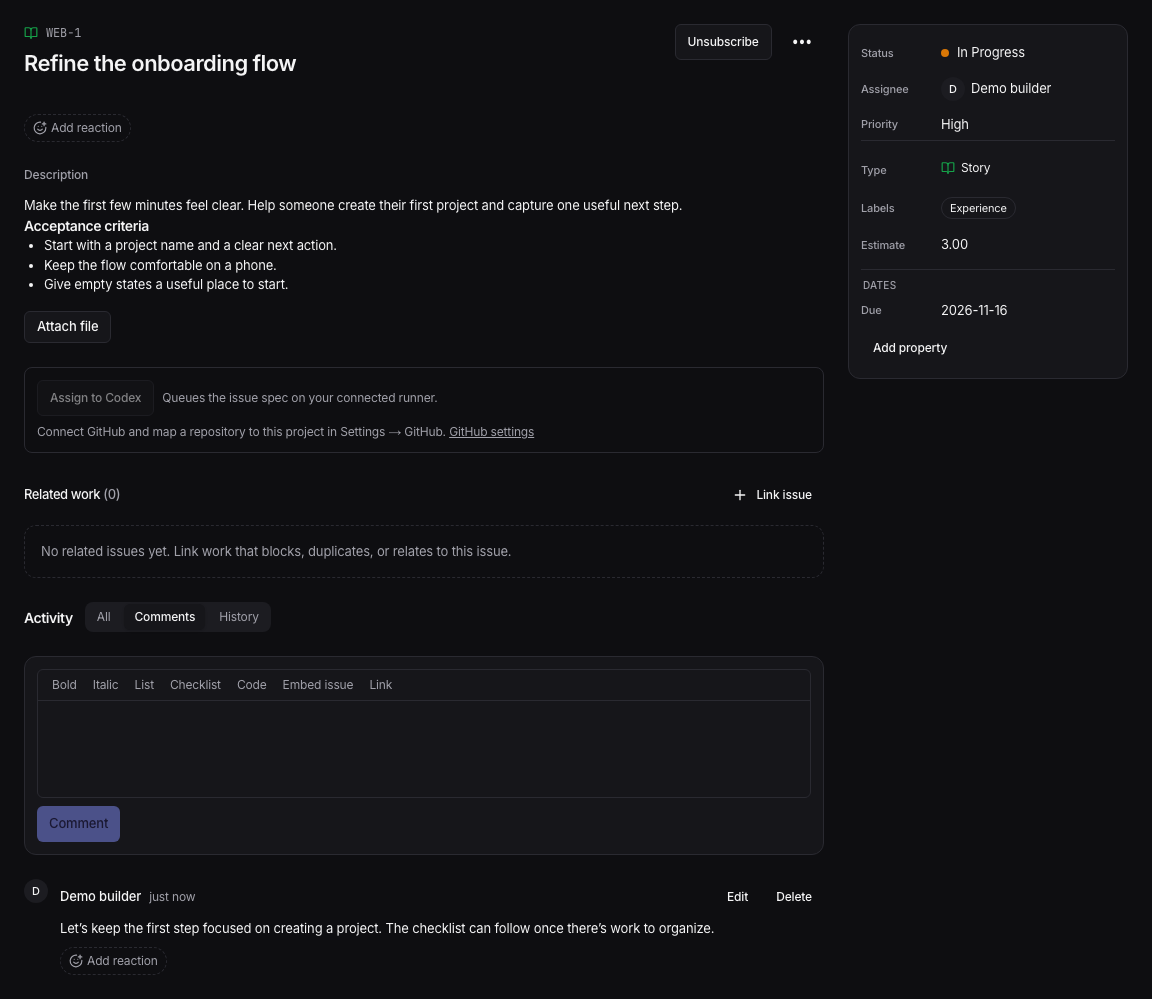
Give an issue the detail it needs, from a short note to a full set of acceptance criteria. Keep attachments, comments, and changes together so the next person can pick it up.
- Descriptions and comments with rich text
- Assignees, labels, priorities, and dates
- Issue types, relationships, and change history
03 /
A quieter way to focus.
Sometimes a list is all you need. Scan the details, narrow the view, and return to your own assigned work without rearranging the whole project.
- A dedicated list and backlog
- Personal My issues view
- Filters that stay with your view
Plan at the right scale
Today’s work.
The bigger picture.
Use sprints to shape a focused stretch of work. Put project and epic dates on the roadmap, follow a sprint’s burn-up chart, and check your project overview for overdue or unassigned work.
Planning is there when you need it. You can keep working from a board or list without setting up a sprint.
Sprints
Group a focused set of issues and review progress.
Roadmaps
See dated projects and epics on a timeline.
Burn-up charts
Follow scope and completed work over a sprint.
Project overview
Check status, overdue, and unassigned counts.
Keep project knowledge and delivery connected.
Project wikis
Organize nested pages, keep private autosaved drafts, publish revisions, and export project knowledge.
Specifications and issues
Write project documents, turn checklists into issues, and link work back to the source specification.
Request intake
Collect feedback through a project’s public form. Review incoming requests, accept them as issues, or mark duplicates. Email and Slack intake require a configured integration.
Public roadmaps
Publish a curated set of project issues. Choose what visitors can see while keeping the rest of the workspace private.
GitHub connections
Connect repositories and link pull requests, commits, and checks to issues. GitHub integration requires operator setup and workspace authorization.
Flexible project workflows
Use custom fields, issue templates, recurring issues, and automation rules to match how your project works.
Planning, saved views, and team features depend on your plan. Agents and API access are included on every plan. Compare plan limits and availability.
The small things that keep work moving.
Keep your hands on the keyboard
Search across the workspace and use the New issue shortcut to capture work.
Stay in the conversation
Use comments, mentions, subscriptions, and inbox notifications to follow the work.
Pick up the thread
See changes alongside the discussion, with a history of who changed what.
Connect your workflow
Use scoped API keys and webhooks to integrate the tools you already work with.
Your next step
Less to manage.
More room to make progress.
Bring your next project, your team, and your agents into one shared workflow.